Notifications live their own lives
Watch out where those sexts go.
I love Signal’s “disappearing messages” feature. When I send a message to a friend, I’m able to talk about my feelings, make mistakes, and speak pretty freely. I trust that the message dies when the timer runs out, and that my friend would not be copying my words into a document or anything like that.
What I didn’t know was that their phone might secretly be doing this.
Deleted Signal messages are exhumed by the FBI
Between fall 2025 and spring 2026, a number of activists in Texas went on trial for what the U.S. government deemed “terrorist” activity and ultimately were convicted. Evidence used by the prosecutors included Signal messages from one of the defendant’s phones:
Signal chat evidence from Sharp’s device (Exhibit 158): Messages were recovered from Sharp’s phone through Apple’s internal notification storage — Signal had been removed, but incoming notifications were preserved in internal memory. Only incoming messages were captured (no outgoing).
— Support the Prairieland Defendants, emphasis mine.
Signal was deleted. The messages and everything else were gone. And Signal itself doesn’t have access to them – that’s how end-to-end encryption works. But, every incoming message, unbeknownst to the phone’s user, were being copied one by one to a database on the phone. How? Why?
Notifications.
Secret and not-so-secret phone logs you maybe didn’t know about
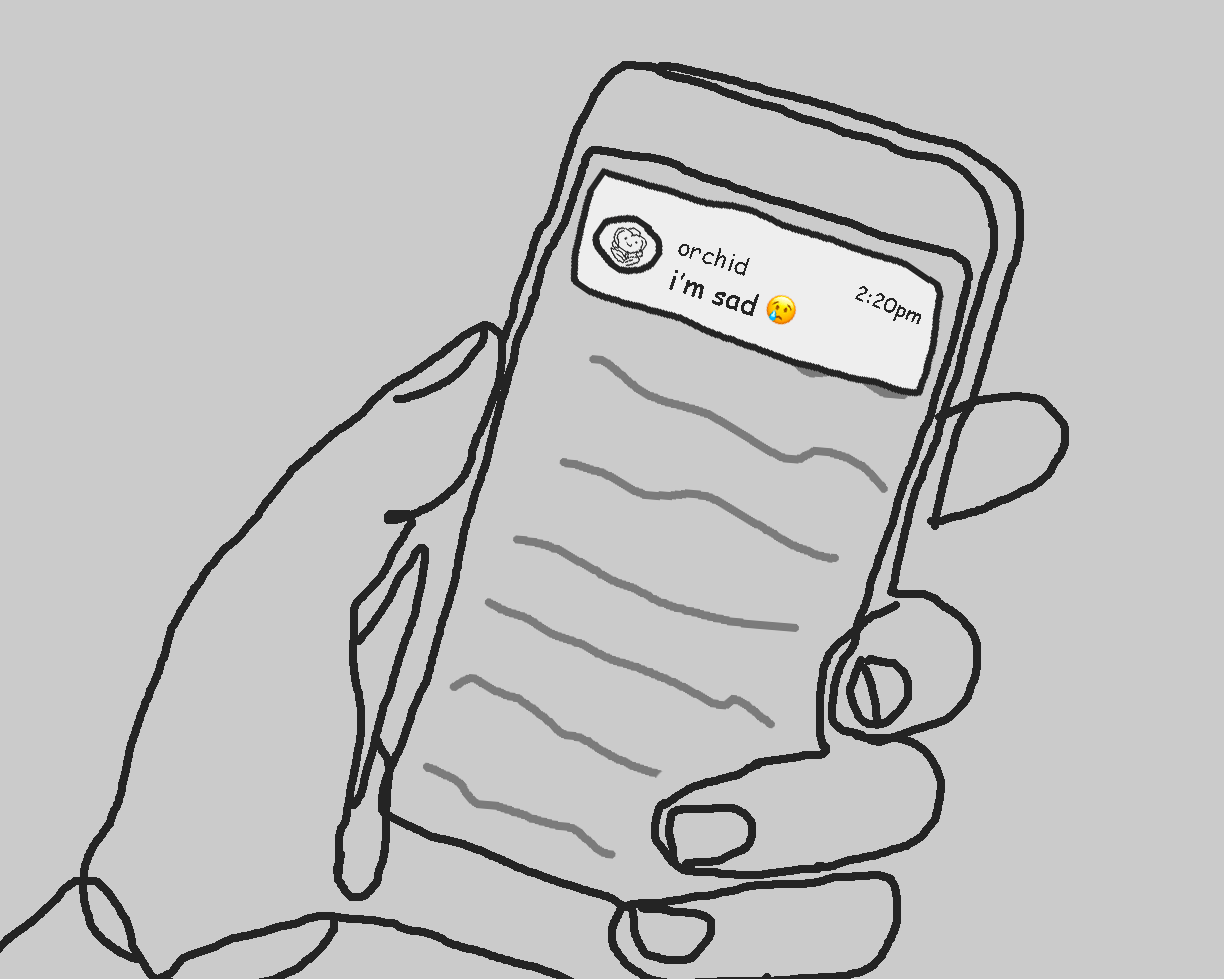
As it turns out, notifications live their own lives beyond the app that sent them.
So when I send a text to a friend about my feelings, and my friend receives a notification for it, the contents of that notification may be saved to their phone’s internal storage. And this isn’t just for Signal, or even messaging apps in general, it’s any app that you receive notifications for. I guess the purpose of this is recover a recent notification that you dismissed by accident, or something.
But it’s also a hidden cache of data for law enforcement and bad actors to access, and then it can be used against you and your friends! How this cache is managed depends on the operating system.
Notification log on Android (and GrapheneOS)
- When on, notifications are kept for 24 hours.
Settings > Notifications > Notification Log, then toggle off.
This turns the log off and deletes the history. (See Notification history from Android Open Source Project.)
Notification logs on iOS
- iOS has a Notification Center accessible to the user, and on some versions an additional cache somewhere in internal storage. The Notification Center normally keeps notifications for a few days, and the internal storage may keep them longer (we are not sure how long). Neither can be turned off.
- The internal storage issue was found and patched in April 2026. iOS users should update to version 26.4.2 or higher!
- To manually delete previous notifications from the Notification Center:
Swipe down from the center of the top left of your screen, tap the Close button, then tap Clear.
Notifications in internal storage cannot be easily cleared.
It gets messier
This makes me wonder where else might notifications be effectively snitching on me. Like maybe I’m showing my parents a video on my phone when my friend texts me, and a preview of their message pops up on the screen.
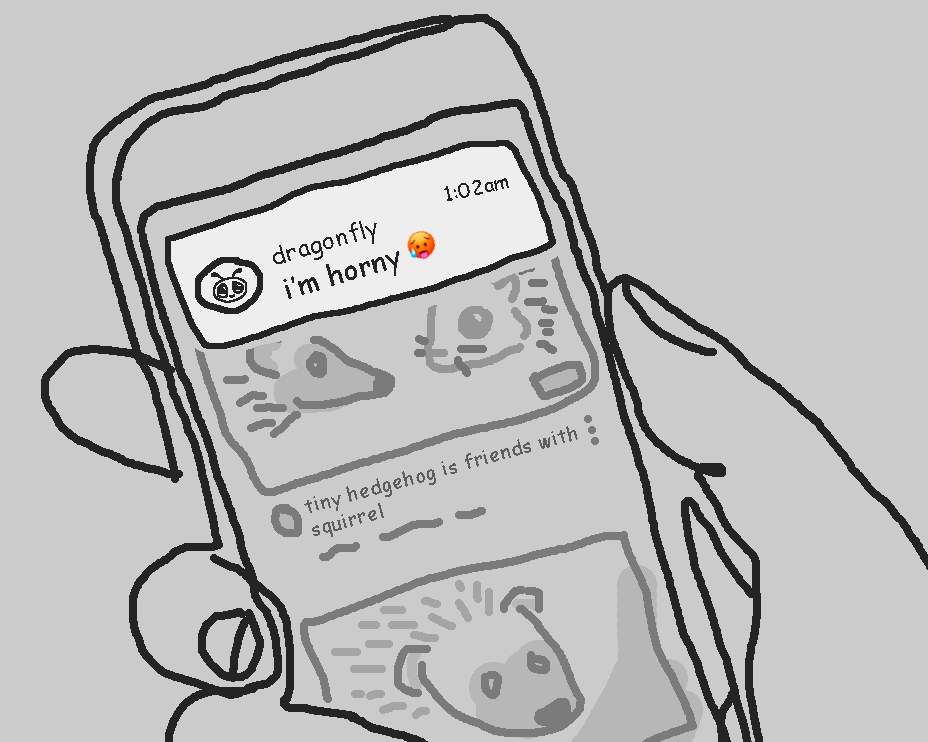
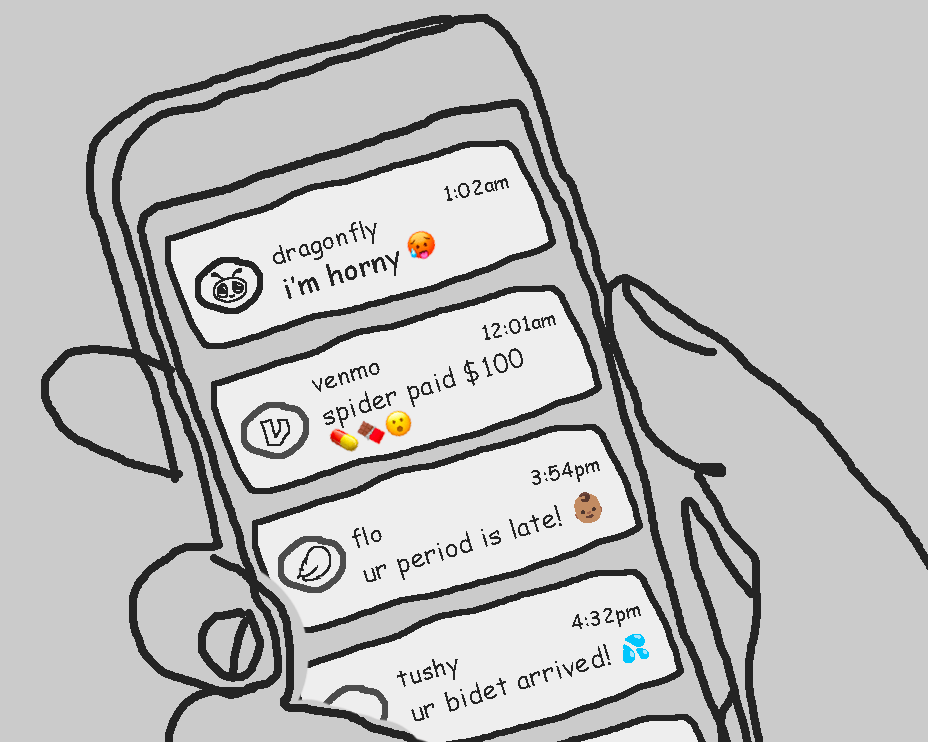
And then there are all the notifications on my lock screen, which anyone who finds or steals the phone can easily see without any special access or even effort.
Stop the snitching
Do we even need so much detail in these notifications to begin with?
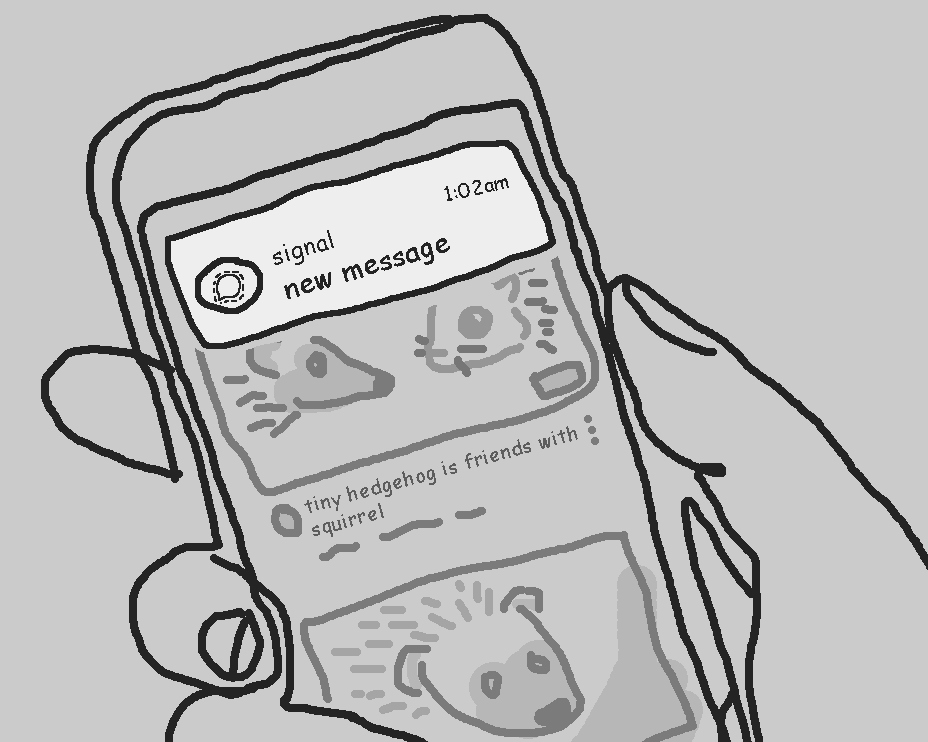
Not all apps allow you to modify this, but at least Signal does!:
Settings > Notifications > Show > "No name or message/content"
This will still give you a ping when a new message comes in, without unnecessary details.
To be extra safe, here’s some tips
- Turn off your phone’s notification log if it lets you (see above).
- Make sure your phone itself is secure by using a strong passcode.
- If you’re on iOS, turn on Lockdown Mode.
- Reduce potential vulnerabilities by uninstalling unused apps and keeping your operating system up to date.
- Adjust the settings on notifications to reduce excess info being included in them.
- Be mindful of the text messages you send to your friends, keeping in mind that other people could end up reading them too.
- Spread the word!
Remember, Signal is not a golden ticket to privacy bliss. We still need to practice good security culture to keep each other safe.